What this tool helps with
Where it is useful in real work
Redirect Rule Builder is a lightweight Developer Utility freebie built to stay practical, readable, and easy to reuse without a database setup.
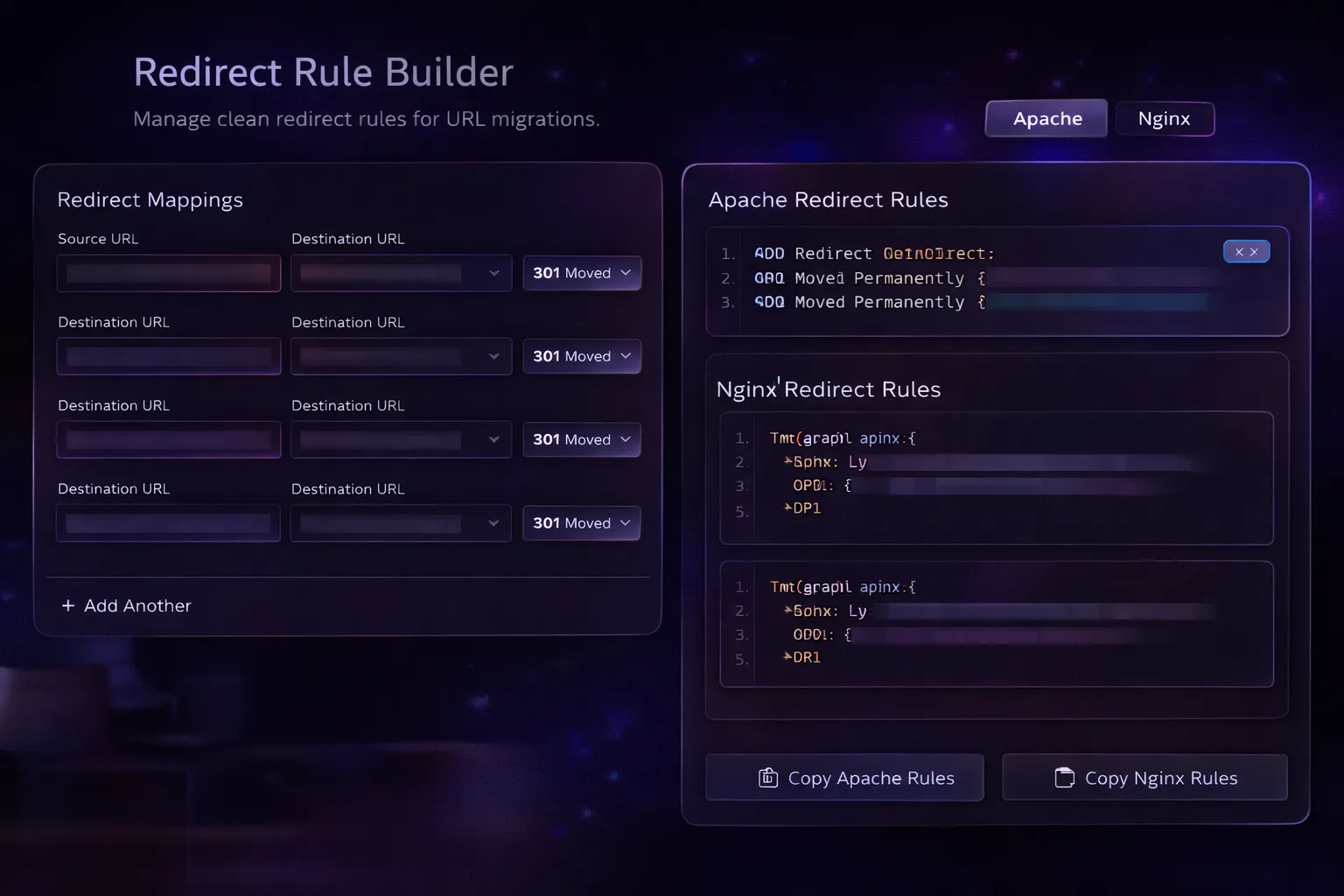
- Takes old-to-new URL mappings from a simple text format.
- Generates redirect rules for Apache and Nginx.
- Lets you choose the status code behavior for the redirect set.
- Gives a copyable output block instead of requiring manual rewrite syntax work.
Best used when
Use it as a focused utility, not a full workflow replacement
This page is meant to help you decide whether the tool is the right starting point, whether you should download the ZIP, or whether the task has already moved into support, customization, or a larger build.
- You need a quick, practical output without a full product setup.
- You want to test the workflow in the browser before downloading the ZIP.
- You still plan to review the output instead of treating it as a final deliverable.
Inside the freebie
Inside the freebie
- Takes old-to-new URL mappings from a simple text format.
- Generates redirect rules for Apache and Nginx.
- Lets you choose the status code behavior for the redirect set.
- Gives a copyable output block instead of requiring manual rewrite syntax work.
Best use cases
Best use cases
Useful when a quick Developer Utility workflow needs to be tested, reused, or adapted into a larger product build.
- Use Redirect Rule Builder as a starter utility, a learning reference, or a quick workflow base for your own projects.
- Open the tool in the browser first to review the interaction flow before adapting the underlying files.
- Because the freebie stays lightweight and database-free, it is easy to move between local builds and client workspaces.
Before you rely on the output
Keep a quick review step in the workflow
These tools are built to save time at the draft, validation, or utility stage. They work best when you still check the result against your actual stack, project rules, voice, or delivery constraints.
- The tool is meant to save time at the draft, planning, or utility stage.
- The output works best when you check it against your own stack, voice, or project context.
- If the workflow needs persistence, user roles, or complex business logic, a custom build usually makes more sense.